
diados
Extension of the Day

diados

5.0 FREE
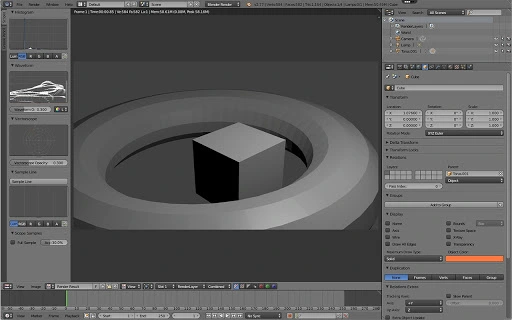
  • Screenshot 1

Description

PLEASE NOTE:- Working with files requires creating account with rollApp and connecting cloud storage (Google Drive, Dropbox, OneDrive or Box).- Once signed-up, you get 14-days free trial. ***After the trial, please, subscribe for rollApp Premium to continue using the application.***Blender is a professional 3D computer graphics application.Blender offers photorealistic rendering, realistic materials, fast modeling (3D graphic), fast rigging, animation toolset (3D modeler), sculpting, fast UV unwrapping, full compositor, amazing simulations, game creation, camera and object tracking, library of extensions, video editing, file formats, flexible interface.This is one of the best software for visualization, drafting, rendering and design. It also has a built-in game engine with the possibility to quickly prototype ideas directly in the 3D application. While other applications (such as Maya and 3DS Max) have the same modeling tools, Blender is distinguished to have a very intuitive and easy to understanding modeling workflow.

Guides & Tutorials for Blender on rollApp App for Chrome

How to install Blender on rollApp App for Chrome
  1. Click the Preview / Download button above.
  2. Once redirected, accept the terms and click Install.
  3. Wait for the Blender on rollApp App for Chrome download to finish on your device.
How to use Blender on rollApp App for Chrome

This software is primarily used for its core features described above. Open the app after installation to explore its capabilities.

User Reviews for Blender on rollApp App for Chrome 0

    No reviews found

Similar Apps


